For independent letting agents

Watch a let happen,
screen by screen

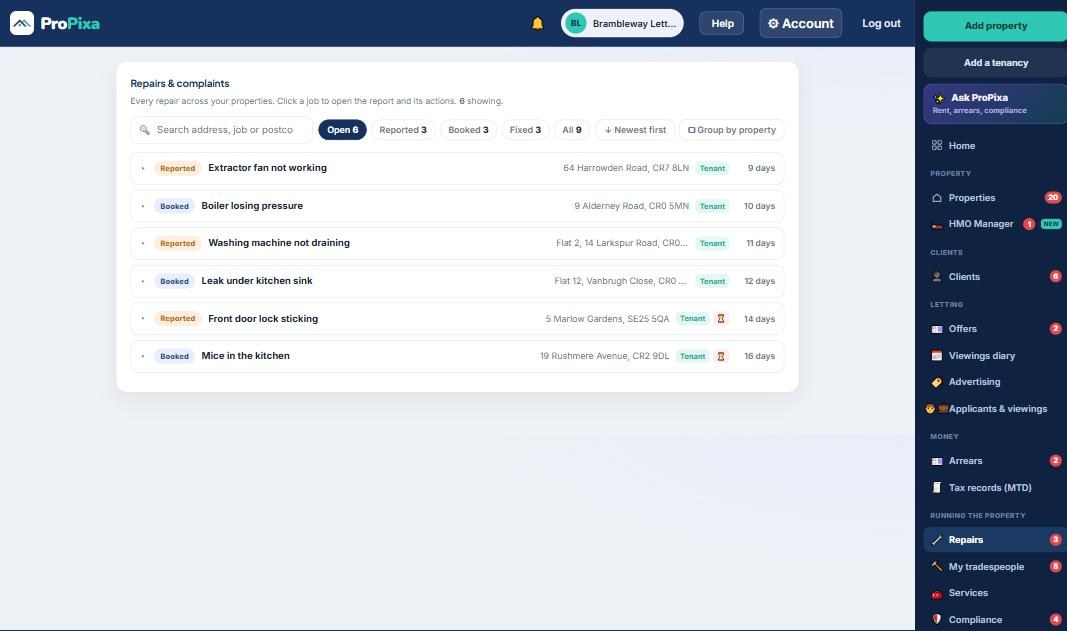
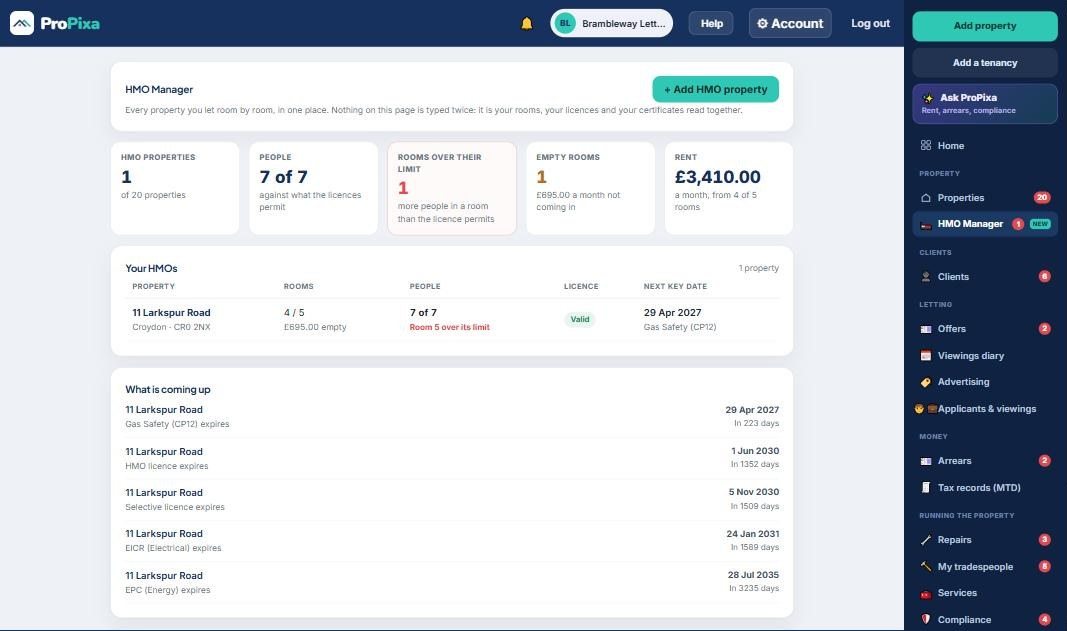
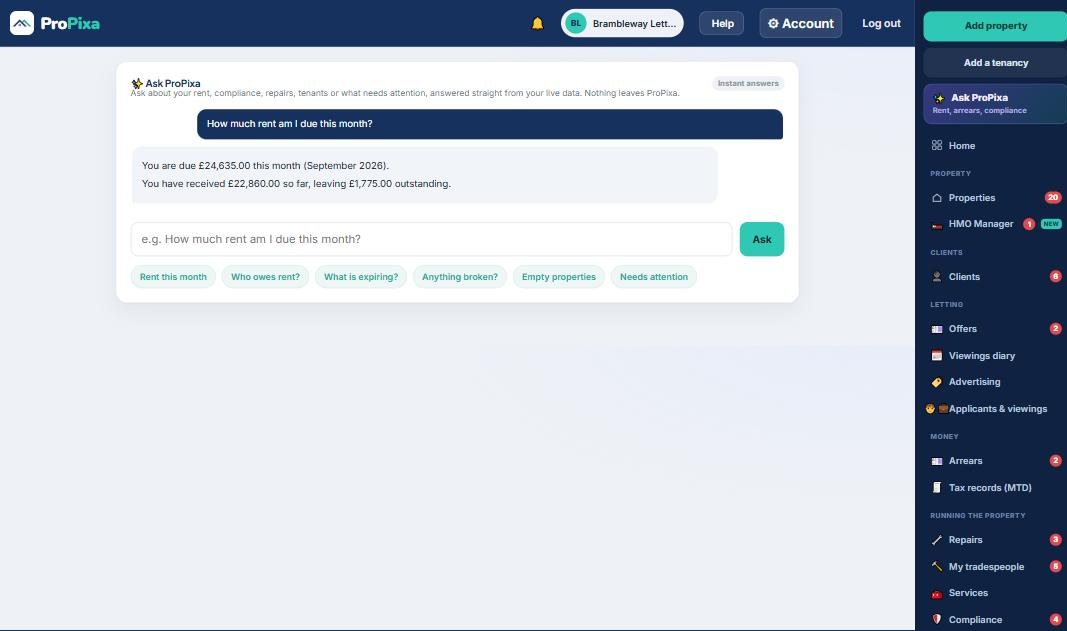
Six screens of ProPixa, in the order a letting actually happens. Nothing here is a mock-up. Every one is the live product, and there is nothing to book and nobody to speak to before you see it.

1 Advertise2 Applicants3 Diary 4 Offers5 Compliance6 The fee

Every name, number and address on these screens is invented. Brambleway Lettings is our own demo agency. The people are made up, the phone numbers come from the block Ofcom reserves for exactly this, the emails go nowhere, and the room photos are generated. No customer of ours appears anywhere on this page.

01

The property goes live

Advertise

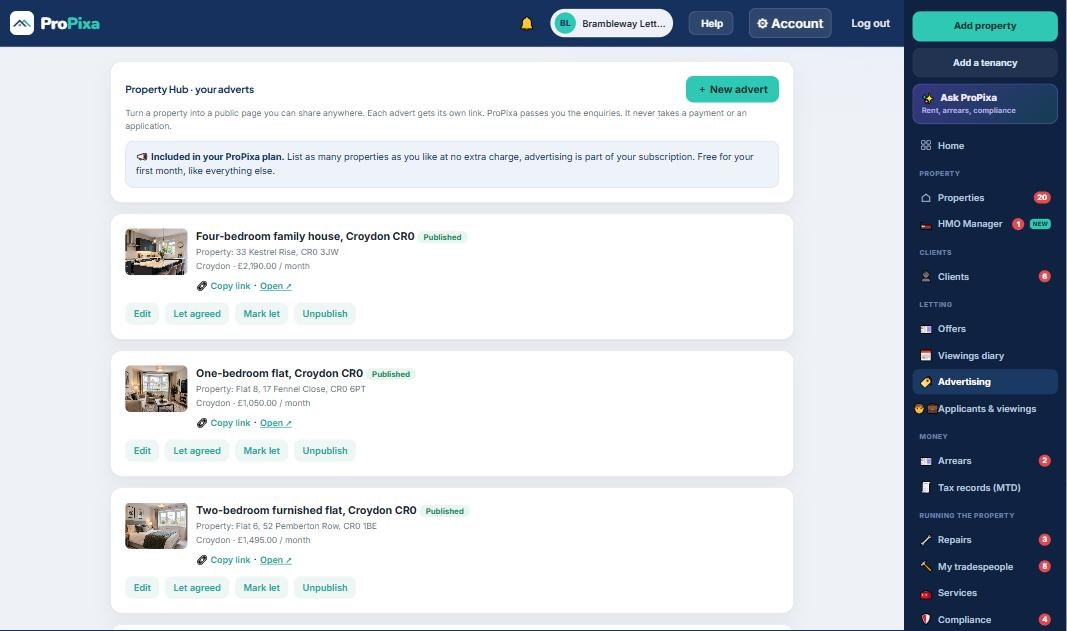
Turn any property on your books into its own advert page with its own link. Publish it, copy the link, and put it where your applicants already are: your own website, WhatsApp, a Facebook group, your applicant list.

Enquiries come back to you. ProPixa never takes a payment or an application from an applicant, and it never sits between you and your landlord. Advertising is included in the price, so list as many as you like.
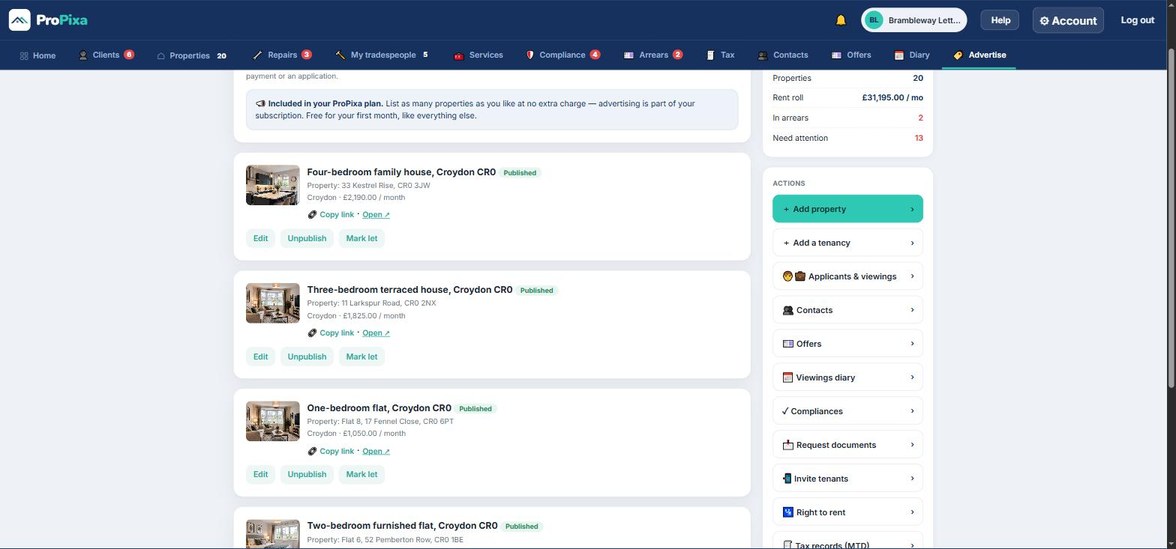
ProPixa Advertise screen listing published property adverts, each with photos, address, monthly rent and a copy link button.
Published adverts, each one with its own public link.Tap to see it full size
02

Every enquiry in one list, with the chases on it

Applicants

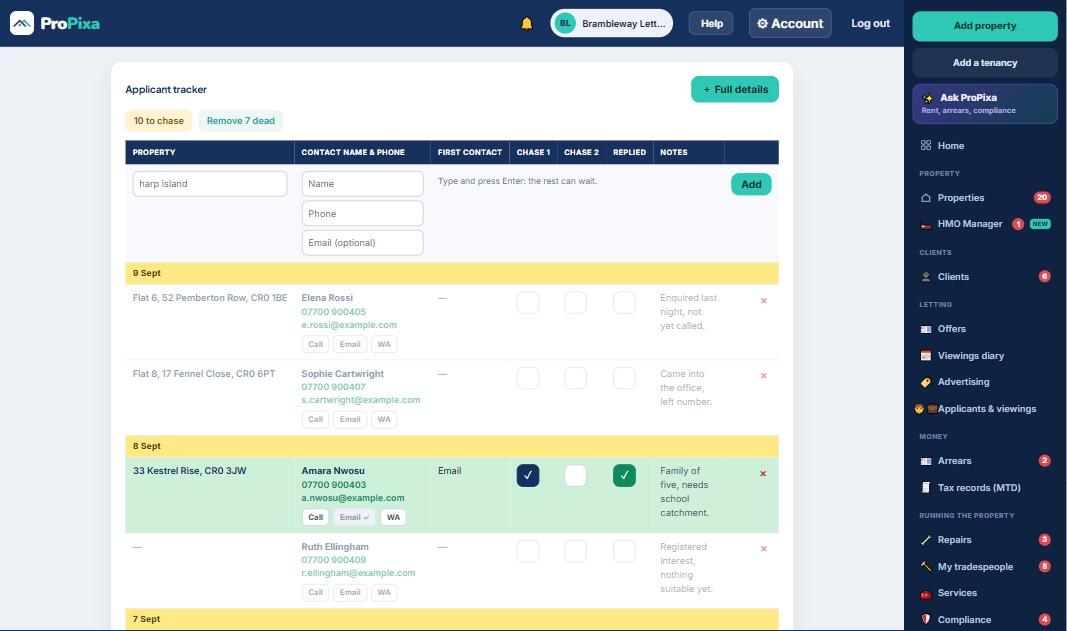
One row per enquiry: the property, the person, their number, then two chase boxes and a replied box. You can see who has been chased twice and never answered without opening anything.

The note stays in the applicant’s own words, so whoever picks the file up next reads what was actually said. Call, email and WhatsApp are one tap from the row.
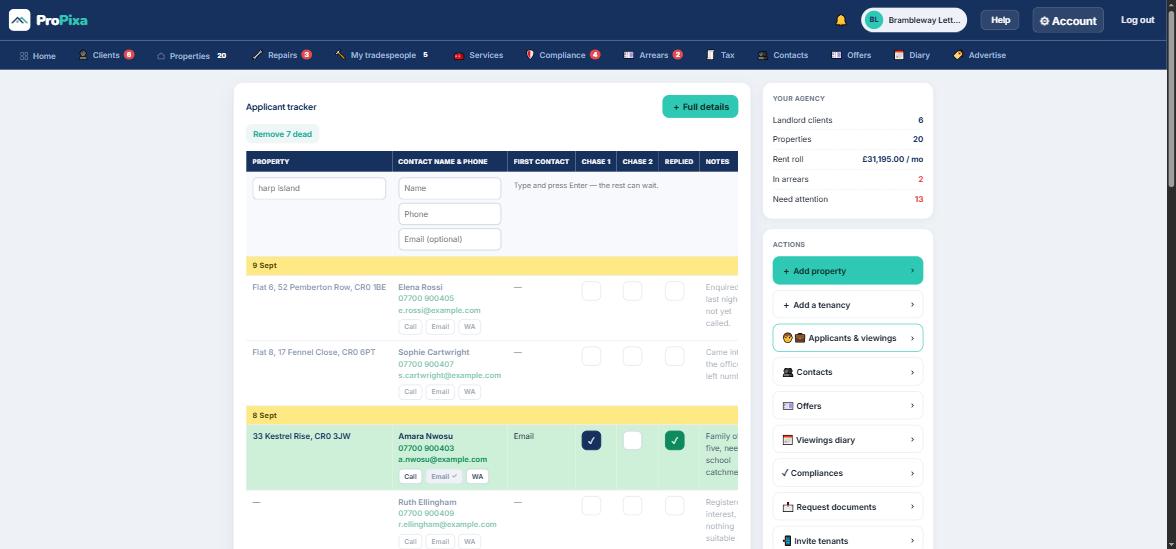
ProPixa applicant tracker showing one row per enquiry with property, contact, first contact, two chase columns, a replied column and notes.
Grouped by the day the enquiry arrived. Green means they replied.Tap to see it full size
03

Viewings, by the day

Diary

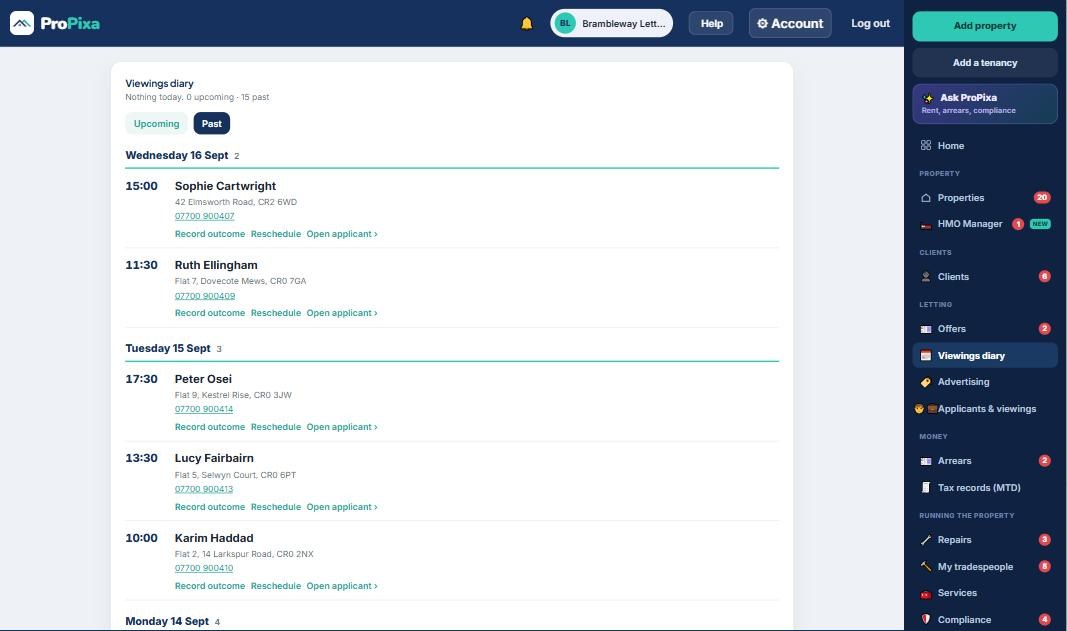
Book a viewing against the applicant and the property together and it lands in the diary. Today at the top, then the days ahead, each one carrying the time, the name, the address and the phone number.

There is no second calendar to keep in step. Record the outcome on the same line and it goes back onto the applicant’s record.
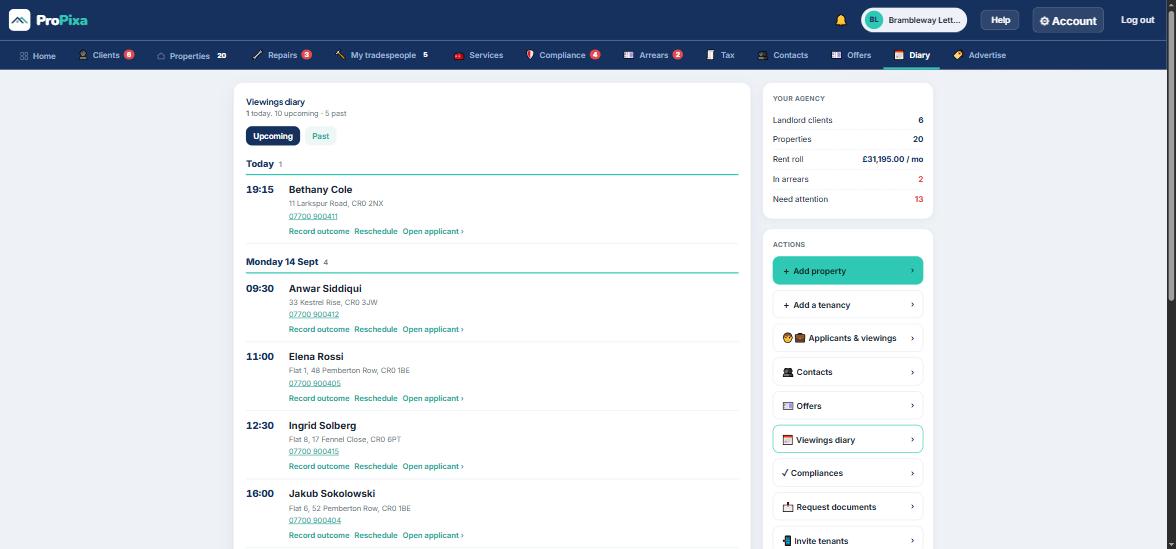
ProPixa viewings diary with today at the top followed by upcoming days, each viewing naming the applicant, time, address and phone number.
Today first, then the week. One tap through to the applicant.Tap to see it full size
04

Offers you can answer for while the landlord is still on the phone

Offers

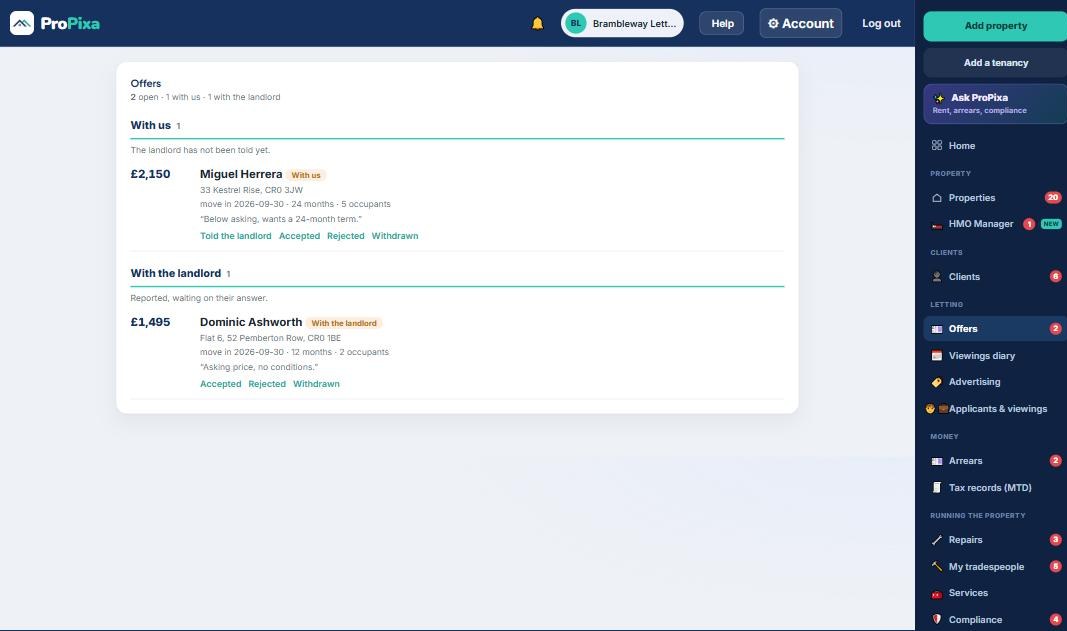
Offers sit in two lists: still with us, and already with the landlord. When a landlord rings to ask what has come in, the answer is on the screen instead of in somebody’s inbox.

Each offer carries the amount, the term, the move-in date, how many people, and what the applicant said about it. Telling the landlord, accepting and rejecting are buttons on the offer itself.
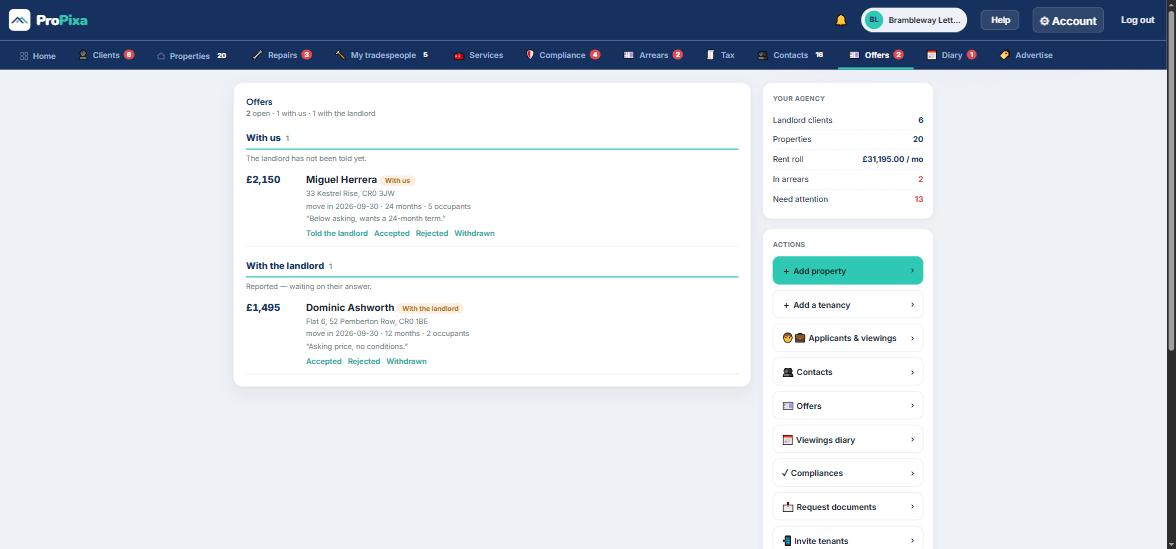
ProPixa offers screen with two lists, With us and With the landlord, each offer showing amount, applicant, term, move-in date and occupants.
With us, and with the landlord. Nothing to hunt through.Tap to see it full size
05

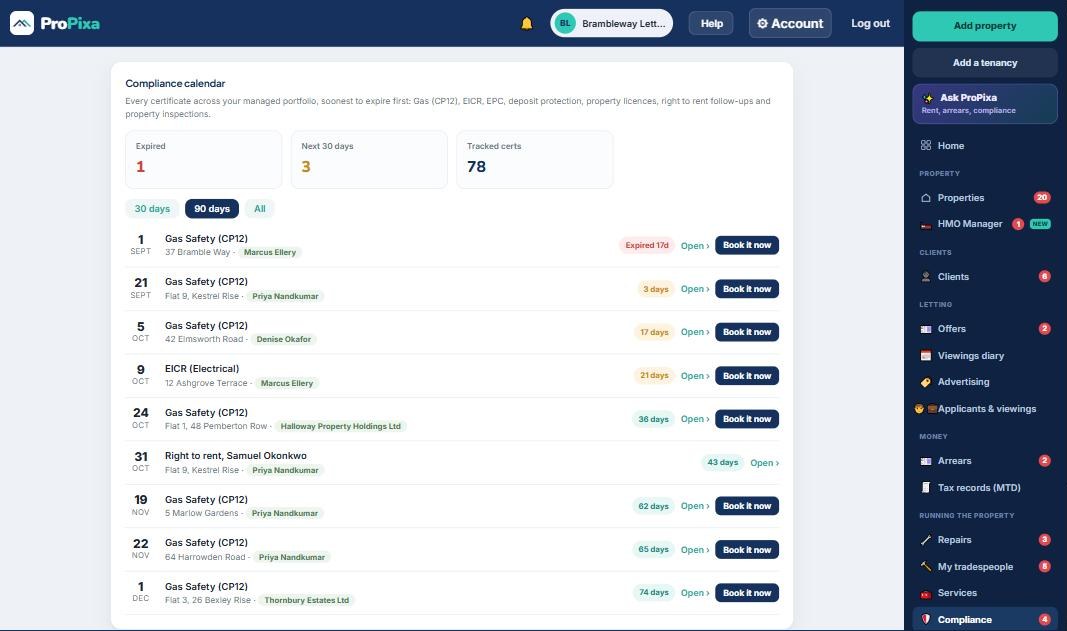
Certificates and licences, in date order

Compliance

Gas safety, EICR, EPC, deposit protection, property licences, right to rent follow-ups and inspections, all on one screen, soonest to expire first. Expired in red, close in amber, with the landlord’s name on every line.

If you manage in a borough with selective licensing, this is the screen that matters. Forty properties means forty licences and forty renewal dates, and they do not fall in the same month.
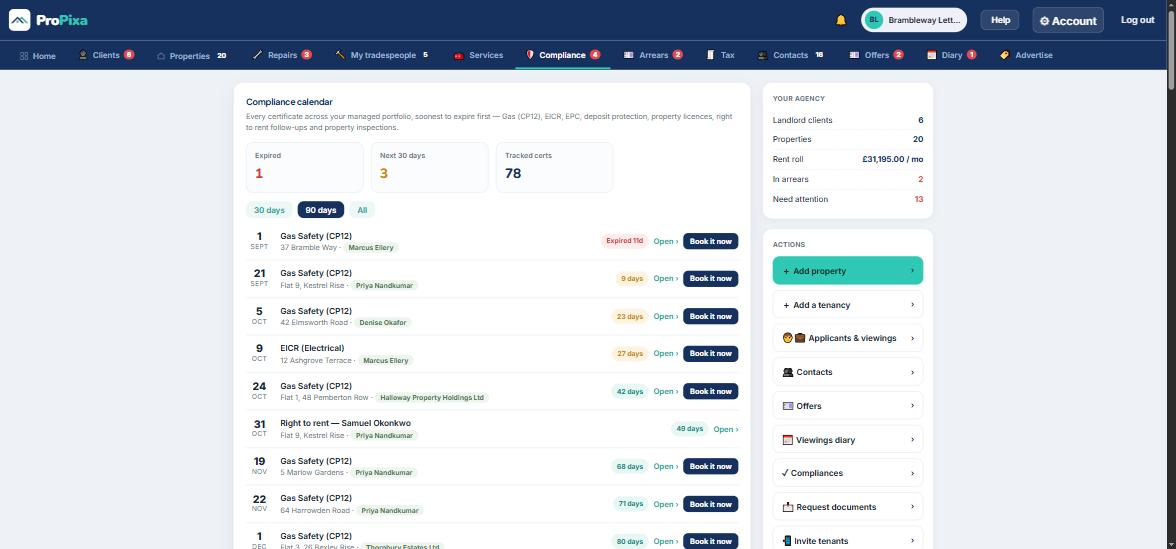
ProPixa compliance calendar listing every certificate across the portfolio in expiry order with days remaining and the landlord name on each line.
Soonest first, with the days left on each one.Tap to see it full size
06

And what the month earned you

Agency home

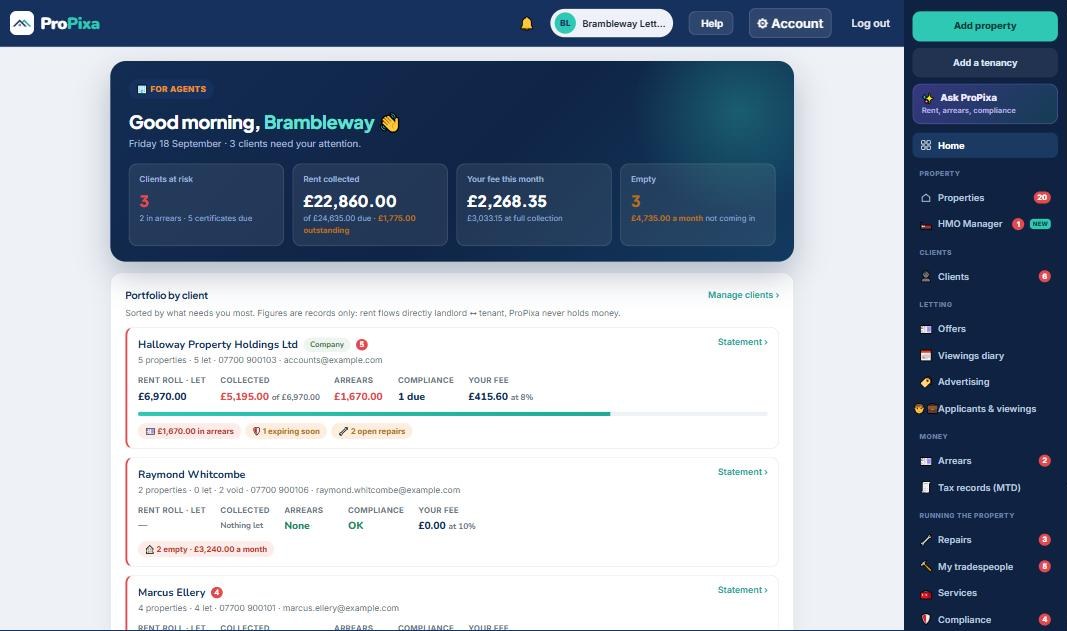
Rent roll, collection rate, arrears and your management fee this month, on the first screen you see. Most systems make you run a report to find that last number.

Underneath it, every landlord client with their own rent roll, collected, arrears, compliance state and your fee, sorted by who needs you most. Rent goes straight from tenant to landlord. ProPixa never holds client money.
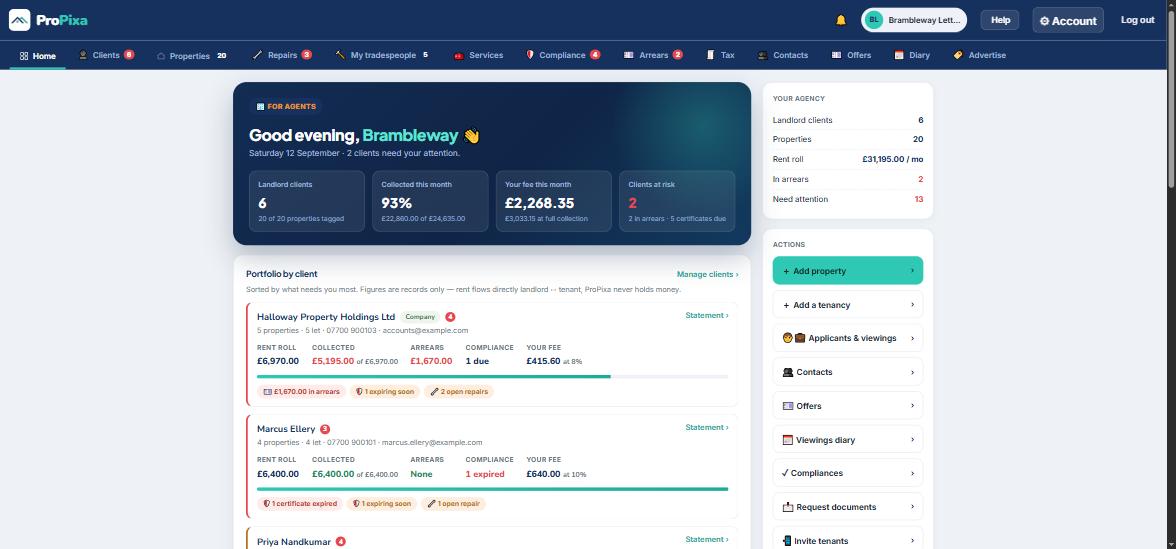
ProPixa agency home showing landlord clients, collected this month, your fee this month and clients at risk, above a per-client portfolio breakdown.
The fee line, on the front screen.Tap to see it full size

Six screens, one system, one published price.

Built in London for independent agencies, the ones running thirty to a hundred and fifty properties with a team you can count on one hand.

LettingsPer month
Up to 10 properties£50
11 to 50 properties£5 each
51 to 150£4 each thereafter
Beyond 150£3 each thereafter
Every member of staffIncluded
Every tenantFree, always
AdvertisingIncluded
+£49

a month for each negotiator seat, which is screens two, three and four above. On top of the lettings price, and only for the people actually working that desk rather than every login in the office. You set the seats yourself.

First month free and we do not ask for a card to start. Pay for the year and take 10% off. We are not VAT registered, so there is nothing to add on top.

Why the price is on the page. Ten of the twelve UK platforms we compared will not tell you theirs until you have sat through a demo. You should be able to work out what a system costs before you hand anybody your phone number.

Have a look before you decide anything

The demo opens without a signup and without a card. It is the same product as the screens above.